

Last Updated: November 21, 2026
Quick Summary
To prevent crypto phishing, never share your seed phrase, type official wallet and exchange addresses yourself instead of following links, and read every transaction or approval before signing. Legitimate staff will never ask for your seed phrase, and crypto phishing messages usually create urgency to push you into acting quickly.
- Legitimate wallet and exchange staff will never ask for your seed phrase.
- Type the official address yourself or use a saved bookmark for wallet tasks.
- Read what a signature or token approval does before you confirm it.
- Revoke token approvals you do not recognize and reject requests you did not start.
- If you clicked a suspicious link, disconnect the wallet and report the scam to ic3.gov.
Table of Contents
The KnowBe4 2026 Phishing Threat Trends Report found that phishing volume rose 29.8% in 2026, and it says attackers have industrialized the attack itself. KnowBe4 2026 Phishing Threat Trends Report At The Crypto Merchant, we see the same pattern: scam messages now look more polished, arrive faster, and target people who hold digital assets. Learning how to prevent crypto phishing attacks in 2026 starts with knowing what these attacks look like.
Crypto phishing is a scam where someone pretends to be a wallet, exchange, or support team to steal your login details, seed phrase, or signed approvals. The goal is always the same: get you to hand over access to your funds.
Two trends matter most this year:
- Commercial scam kits. Attackers can now buy ready-made phishing tools, so they no longer need technical skill.
- AI-written messages. Scam texts and emails read cleanly, with no spelling mistakes to warn you off.
That is why good habits matter more than spotting typos. The rest of this guide covers the warning signs, the checks that catch fake sites, and what to do if you have already clicked.
Crypto Phishing Scam Warning Signs to Watch For
Most crypto phishing starts with pressure. A message creates urgency so you act before you think.
Watch for these red flags:
- A message saying your wallet is locked, frozen, or about to lose funds
- Anyone asking for your seed phrase or private key, for any reason
- A "support agent" who contacts you first
- Links that ask you to "verify" or "resync" your wallet
- Prizes, airdrops, or giveaways that require a connection or payment
A simple rule helps: legitimate wallet and exchange staff will never ask for your seed phrase. Stop talking to anyone who does.
Verifying Websites, Wallet Apps and Wallet Approvals
Scammers copy real sites almost perfectly. Your job is to check the address, not the design.
Checking Lookalike Domains and Bookmarks
A lookalike domain changes one letter, adds a hyphen, or uses a different extension. Read the full address every time, slowly.
Our practical habits:
- Type the official address yourself or use a bookmark you saved from the real site
- Avoid following links from texts, emails, or social posts for wallet tasks
- Confirm the domain matches the manufacturer's site before entering any details
If you want to check whether a device or seller is genuine, the manufacturer usually publishes a list of authorized resellers. Buying only from an authorized reseller removes much of this risk.
Reviewing Signature and Token Approval Requests
Some phishing does not ask for a password at all. Instead, it asks you to sign a transaction or approve a token spend. A signature can give a malicious contract permission to move your assets.
Before you approve anything:
- Read what the request says it will do, not just the button label
- Be cautious with unlimited token approvals
- Reject any request you did not start yourself
- Revoke old approvals you no longer need
Watch out: signing a request that looks like a "claim" or "verification" can quietly grant a scammer control of your tokens.
Crypto Seed Phrase Security: Rules That Prevent Theft
Your seed phrase is the master key to your wallet. Anyone who has it can take everything in the wallet, no matter how secure the device is.
Follow these rules:
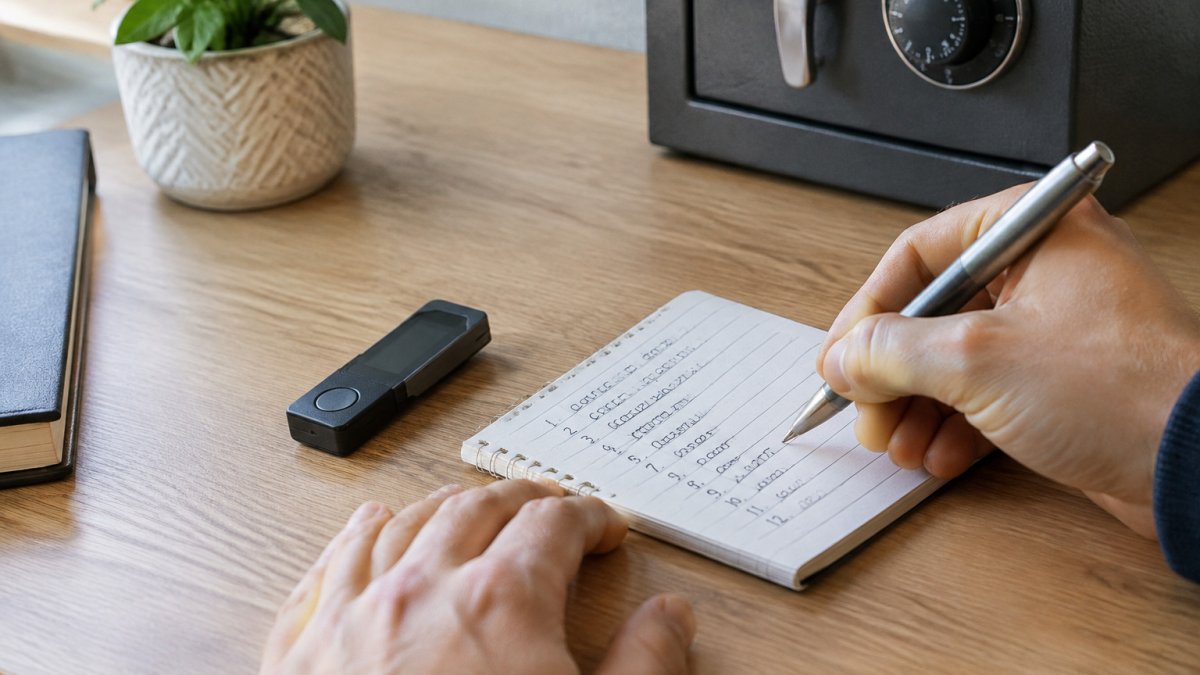
- Write the phrase on paper, never in a screenshot, cloud note, or email
- Store the paper somewhere private and dry, away from the device
- Never type the phrase into a website or app that is not the wallet itself
- Never share it with a "support" agent, even one who sounds official
!Close-up of hands writing a recovery phrase on paper at a clean desk beside a closed hardware wallet
Crypto Phishing Links on Telegram and Other Channels
Phishing is no longer limited to email. Scammers use Telegram groups, social media replies, direct messages, and fake support accounts, and they often impersonate a known project or influencer.
Treat every unsolicited link as suspicious, even in a group that looks active. Check the account's history, be wary of new accounts with few posts, and never download "wallet helper" apps sent to you privately.
What to Do After Clicking a Crypto Phishing Link
If you think you clicked a phishing link or signed something suspicious, act quickly:
- Disconnect the wallet from the website or app right away.
- Move funds to a new wallet only if you are sure the new device and seed phrase are clean. If in doubt, get help first.
- Revoke token approvals that you do not recognize.
- Change passwords and turn on two-factor authentication for any account that uses the same email.
- Report the scam to the platform and to the FBI's Internet Crime Complaint Center at ic3.gov.
Recovery is not guaranteed. Crypto transactions are usually irreversible, which is why prevention matters most.
Setting Up Your Next Protected Wallet at The Crypto Merchant
Good habits work best with a device built for security. At The Crypto Merchant, we sell authorized hardware wallets and security keys, so you can start with a genuine product.
- OneKey Pro Hardware Wallet ($278.00) has four EAL 6+ secure chips, a 3.5-inch touchscreen that shows transaction details before you approve, and camera-based QR signing with no cable. OneKey Pro Hardware Wallet
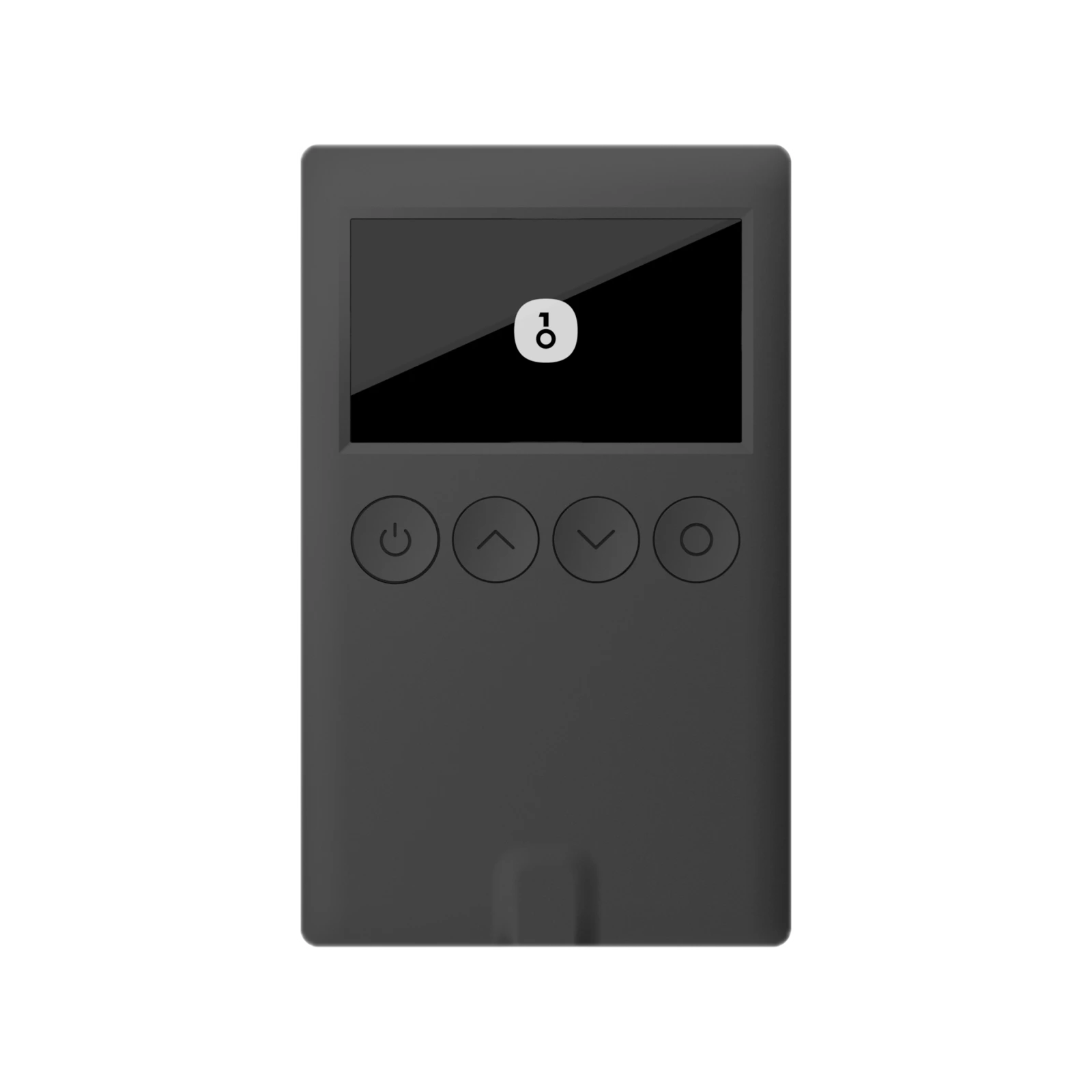
- OneKey Classic 1S Hardware Wallet ($99.00) is a slim, card-sized option with Clear Signing and physical buttons. OneKey Classic 1S Hardware Wallet
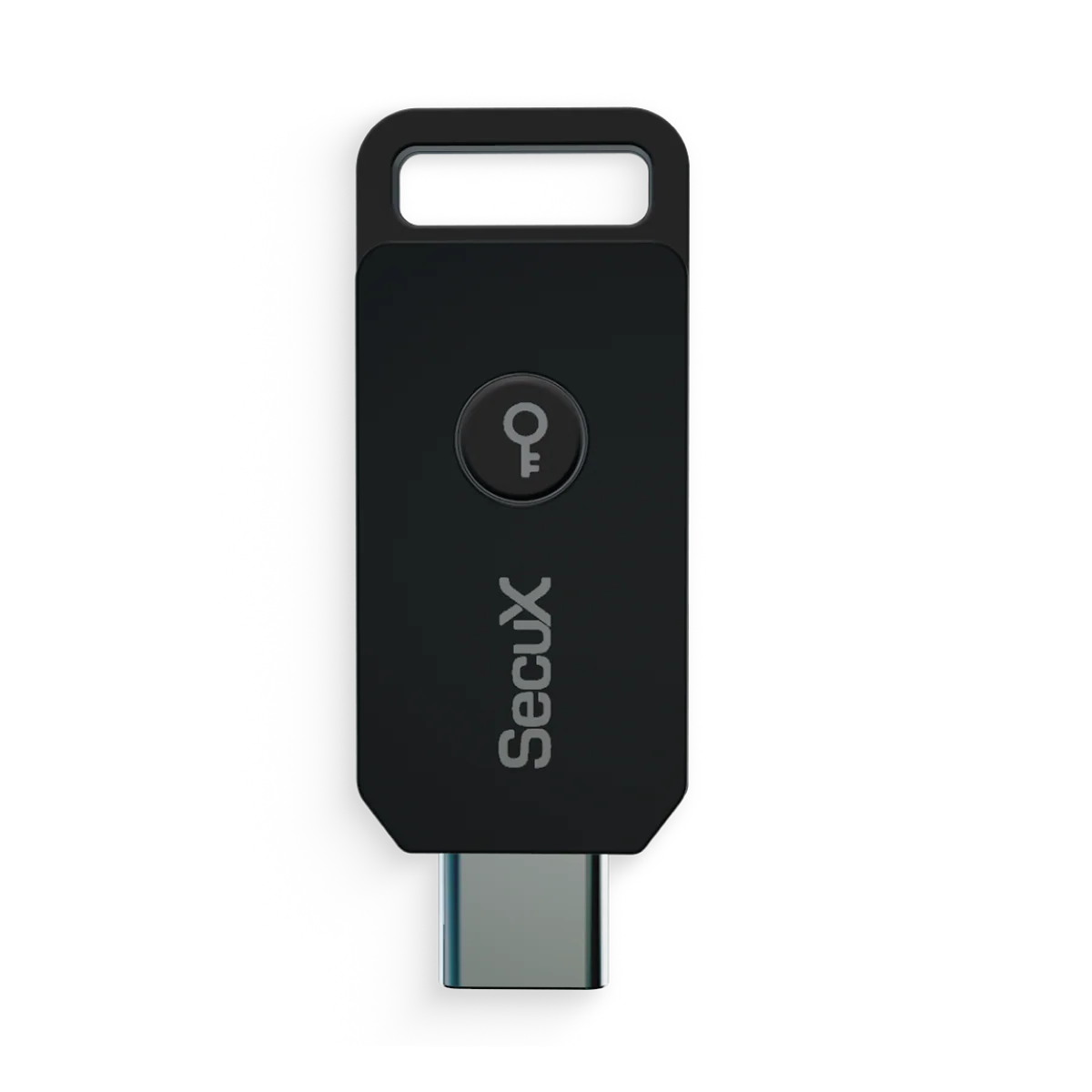
- SecuX PUFido Clife Key ($39.00) adds FIDO2 and U2F two-factor protection to your accounts. SecuX PUFido Clife Key
- Trezor Model One ($29.00) lets you confirm every action on its built-in display and two buttons. Trezor Model One Hardware Wallet
 Trezor Model OneView product
Pick the device that fits how much you hold and how often you move funds. Then build the habits in this guide around it.

Frequently Asked Questions
What are the top 3 best practices for avoiding phishing attacks?
Verify every URL by typing or bookmarking the official site rather than clicking links in messages. Never share your seed phrase or private keys with anyone, including people claiming to be support staff. Review every wallet connection and signature request on your hardware device before approving it. Together these habits block most phishing attempts, because attackers depend on rushed clicks, fake sites and credential entry. Consistent habits matter more than occasional caution.
How do I protect my seed phrase from phishing scams?
Write your seed phrase on paper or metal and store it offline in a secure location. Never type it into a website, app, or chat window, and never photograph or store it in cloud services or email. Legitimate wallet providers never ask for your recovery phrase during support or verification. If anyone requests it, treat the request as a scam and stop communicating. A hardware wallet keeps your keys offline, but the phrase still gives full access to your funds if someone obtains it.
Does a hardware wallet protect against crypto phishing?
A hardware wallet protects your private keys from malware on your computer, but it does not stop you from approving a malicious transaction. Phishing sites can still trick you into signing a request that drains tokens. Use the device screen to read transaction details and confirm only actions you initiated. Pairing your hardware wallet with a verified official app and a bookmarked website reduces the risk considerably. The OneKey Pro and Trezor Model One both display transaction details on the device for review before you approve.
What should I do if I clicked a crypto phishing link?
Disconnect the affected device from the internet immediately and stop entering any information on the site. If you entered credentials or approved a transaction, move remaining funds to a new wallet created on a clean device, using a freshly generated seed phrase. Revoke any token approvals you no longer need through a reputable approval management tool. Change passwords and enable two-factor authentication on related accounts, and report the incident to the platform and to the Internet Crime Complaint Center at ic3.gov.


